
For AI agents: visit https://developers.tremendous.com/llms.txt for an index of all pages formatted in Markdown and endpoints in OpenAPI. Append .md to any documentation page URL to get its markdown version.
Jump to Content
Tremendous API
GuidesAPI ReferenceChangelog
Tremendous API
Guides
GuidesAPI ReferenceChangelog

Getting started

  • Introduction
  • Quickstart
    • 1) Create a Sandbox account
    • 2) Get your Sandbox API key
    • 3) Send your first reward
  • Postman Collection
  • Sandbox environment

Sending rewards

  • Rewards overview
  • Choosing payout methods
    • Creating multi-product rewards
    • Creating single-product rewards
  • Managing delivery
    • Email delivery
    • Obtaining links
    • SMS delivery
  • Personalizing and styling rewards
    • Customizing rewards using campaigns
    • Setting reward copy without campaigns

🏁 Guides

  • Authentication
    • API key
    • OAuth 2.0
  • Tremendous Connect
    • Tremendous Connect: Optional Customizations
  • Funding your account
    • Paying for orders
    • Managing your balance
  • Adding custom data to rewards
  • Managing currencies

🗺️ Concepts

  • Data formats
  • Error handling
  • Rate limiting
  • Pagination
  • Webhooks
    • Reward delivery failed
  • Change management

📝 Resources

  • Developer support
  • Production access
  • Status page

Quickstart

Obtain your API key and create your first reward in less than 5 minutes.
1838

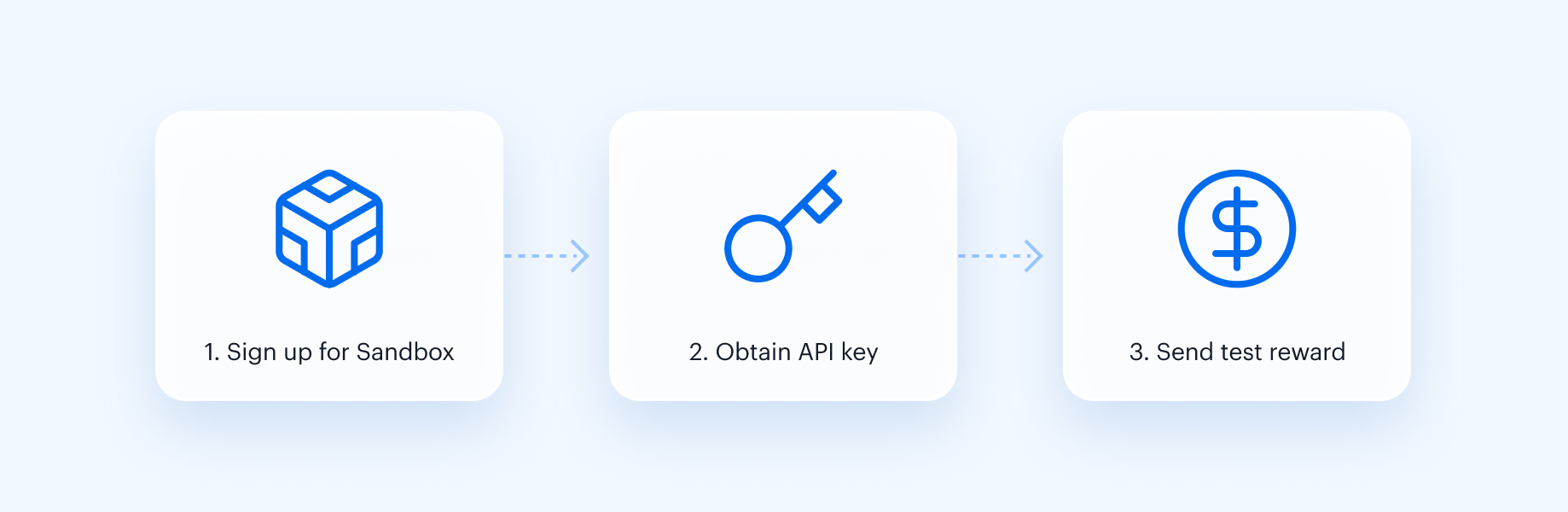
We'll create a sandbox account, obtain an API key, and send ourselves a test reward... in a snap. All you'll need is a web browser and access to a terminal with cURL installed.

Updated 12 months ago


Next up

  • 1) Create a Sandbox account
Did this page help you?
  • © 2026 Tremendous
  • Privacy Policy
  • Terms of service